

ServiceNow migration cutover plan: data, integrations and risk controls
A practical ServiceNow migration cutover plan helps reduce risk, protect service continuity, validate integrations and support confident ITSM modernisation.
Read more →Your Kubernetes and cloud estate changes every day, and a CMDB kept by hand is out of date by the next deployment. SMC Consulting sets up automated dependency mapping: open-source discovery maps your clusters on AWS, Azure or Google Cloud, a graph shows what depends on what, and the HaloITSM CMDB stays current with no manual entry.














In a Kubernetes estate, pods are replaced at every deployment, nodes scale up and down, and load balancers and DNS records follow. A CMDB filled by hand describes last month's platform: the configuration items (CIs) are stale, the relationships are missing, and the impact analysis your incident and change teams rely on gives the wrong answer.
A cloud CMDB has to be fed by the cloud itself. Dependency mapping reads your accounts and clusters, records each resource as a CI and keeps the links between them, from the pod to its namespace, its cluster and the nodes it runs on. When something fails, you see which services sit on top of it; when a change is planned, you see what it touches.
For the CMDB itself, the data model and the ITIL practice behind it, see the CMDB in HaloITSM. This page covers the cloud and Kubernetes part.
The cloud CMDB is one part of IT service management (ITSM): the configuration data that incidents and changes rely on. Moving workloads to the cloud? Our IT infrastructure project management keeps the CMDB in step with the migration.
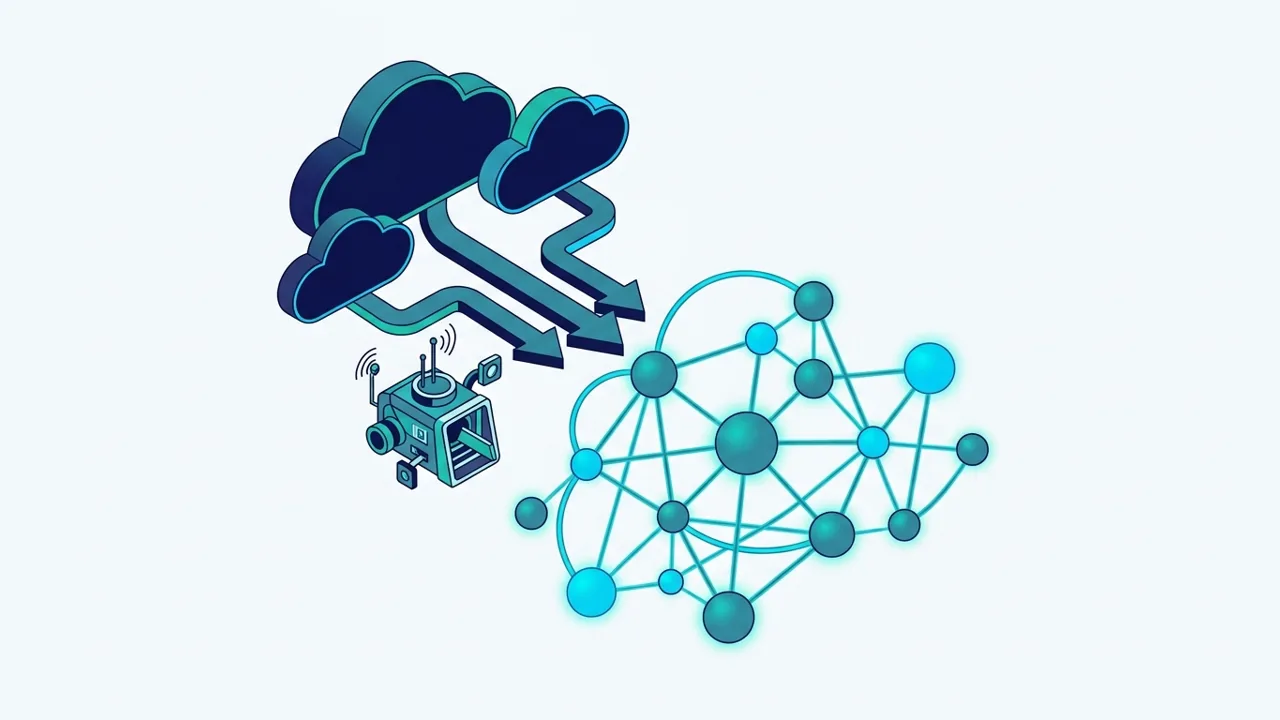
CIs and relations are written from discovery, not typed in: new resources appear, removed ones go, at every sync.
Agents and change managers see the services behind a node or a namespace before they act, in HaloITSM.
An inventory of cloud assets with their dependencies, ready when an auditor or supervisor asks for it.
Nobody updates CI records after each deployment; the team reviews exceptions instead of typing data.
A live demo on one of your clusters: we run the discovery, show the graph and the CIs it creates in HaloITSM.
Discovery uses Cartography, an open-source project hosted by the Cloud Native Computing Foundation (CNCF). It reads your cloud accounts and clusters with read-only access and records what it finds.
EKS, AKS and GKE clusters, with their version, region and the account or subscription they belong to.
The machines each cluster runs on, so a failing node shows the workloads it carries.
Namespaces, pods, services, deployments and ingress, read through the cluster's kubeconfig.
Compute instances outside Kubernetes, kept in the same graph as the clusters.
VPCs and virtual networks, so you see which resources share a network boundary.
The entry points of your services, linked to what sits behind them.
We run the setup on AWS ourselves. On Azure and Google Cloud, the same modules are part of Cartography's code; we validate the scope on your account during the live demo.
Neo4j, a graph database, holds the whole estate. Click a cluster, a node or a load balancer and you see everything that depends on it, without reading a single table.
The connector writes the CIs and their relations (pod → namespace → cluster → nodes) into HaloITSM, where agents and change managers already work.
Your monitoring tool (Zabbix, Prometheus…) opens a HaloITSM ticket linked to the affected CI, with its logs.
Four steps, run on a schedule. The first run takes place during the live demo, on a cluster you choose.
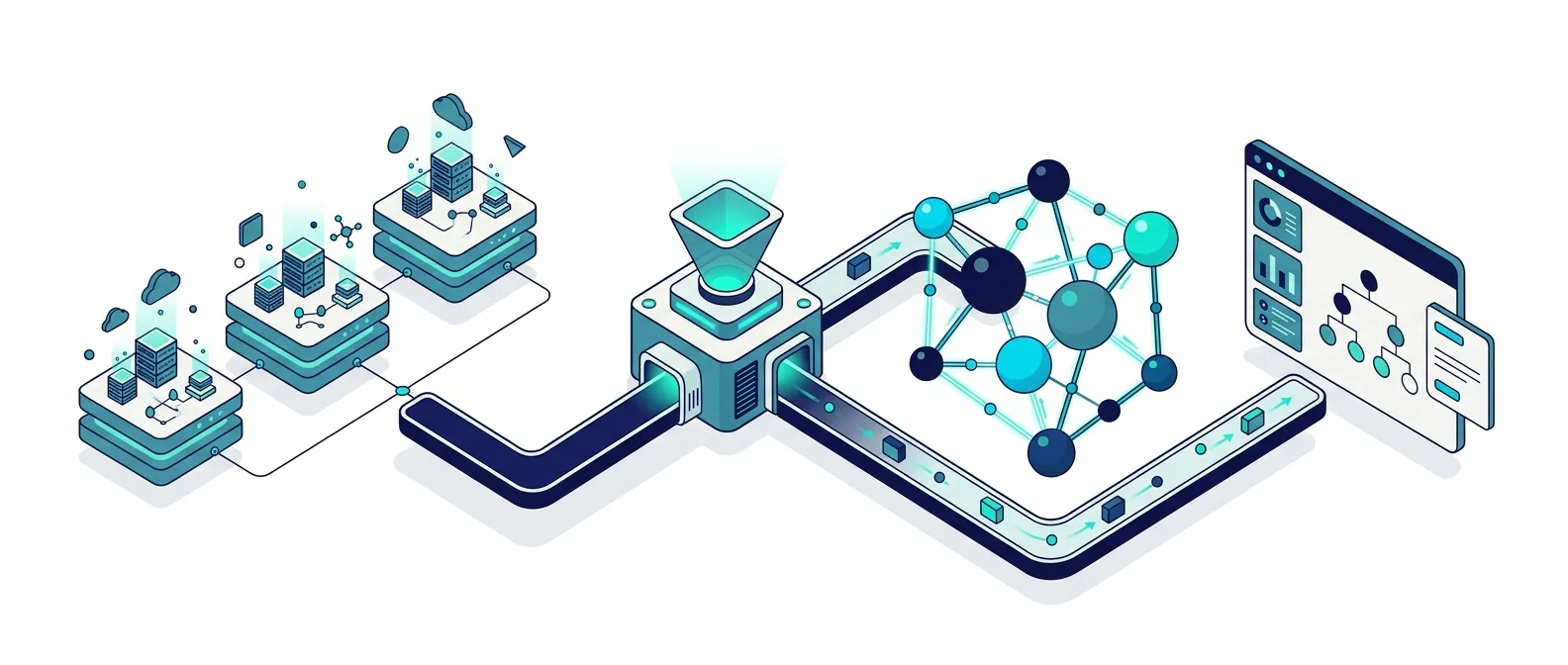
Cartography scans the cloud account: Kubernetes clusters (EKS, AKS, GKE), nodes, VPCs, namespaces, pods, virtual machines, load balancers and DNS records.
The data goes into Neo4j, a graph database. You see the whole estate as a graph and click any element to see what depends on it.
A connector writes CIs and their relations into the HaloITSM CMDB and keeps them current: new resources appear, removed ones go.
Alerts from your monitoring tool (Zabbix, Prometheus…) open HaloITSM tickets linked to the CI, with logs. A short alert that resolves itself closes its ticket; only real problems stay open.
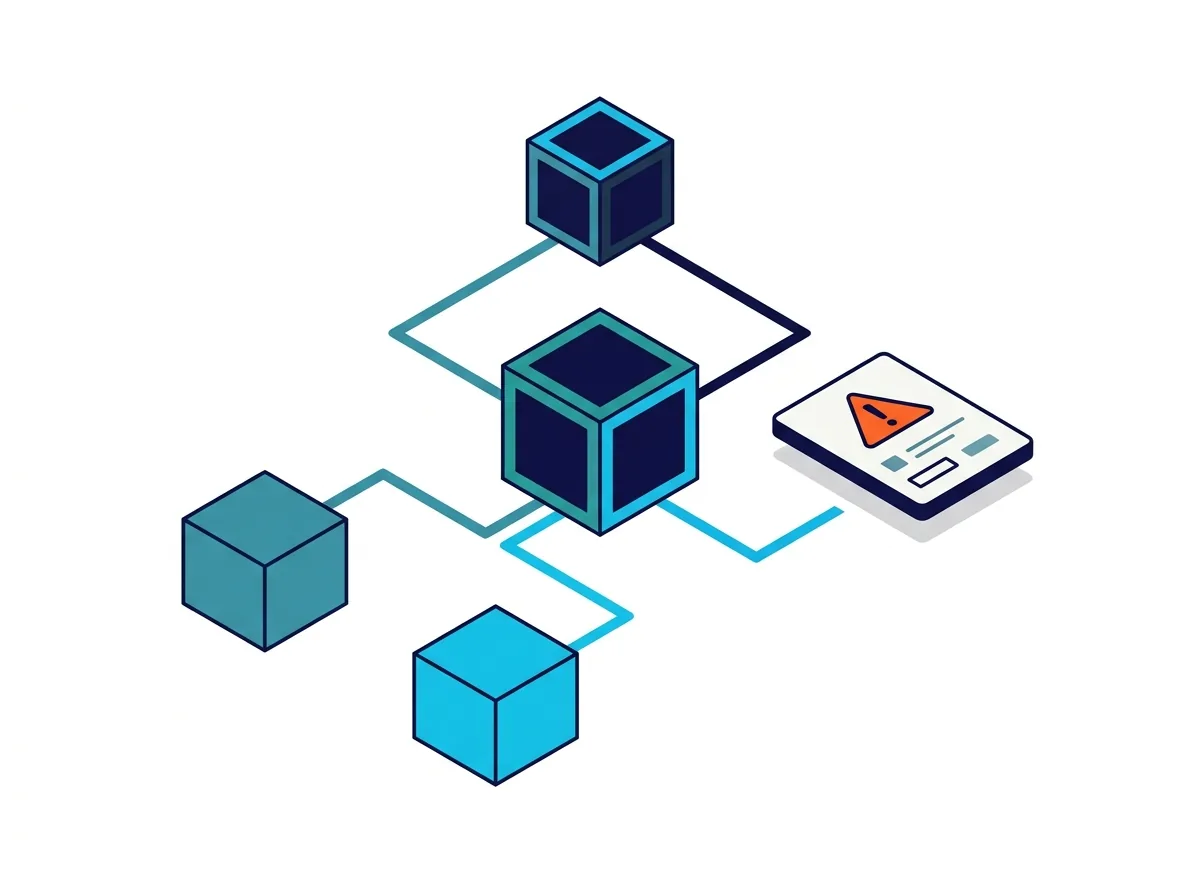
Who need the service desk to see the same estate they run, without maintaining a second inventory.
Whose CMDB covers laptops and servers but stops where the cloud starts.
Who must show which cloud assets support which services, and who owns them.
Cloud and Kubernetes are one source among others. Devices on your network come from Lansweeper, which feeds HaloITSM through the HaloITSM and Lansweeper integration; data centre and IP address data can come from NetBox (DCIM and IPAM). Each source is joined to the same CMDB the same way, with one authoritative source per CI class. Our IT asset management service brings them together.
Dependency mapping records how configuration items rely on each other: which pods run in which namespace, on which cluster and which nodes, behind which load balancer. With those relations in the CMDB, an incident shows the services it affects and a change shows what it touches.
Yes, when discovery feeds it. Cartography reads the clusters and cloud accounts on a schedule, and the connector writes the result into the HaloITSM CMDB: new resources are added, removed ones are retired. The team reviews exceptions rather than entering data.
Cartography is an open-source project hosted by the CNCF that maps cloud and Kubernetes resources into a graph. The software is free to use. The cost is the set-up and the running of the discovery, which we scope with you.
A graph database stores relationships as first-class data, which is exactly what dependency mapping needs: asking what depends on a node is one query, not a chain of table joins. Neo4j holds the discovered graph; HaloITSM remains the CMDB your agents and change managers work in.
Yes. Cartography has modules for Azure (AKS clusters, virtual machines and networks) and Google Cloud (GKE clusters, compute instances and networks), and its Kubernetes module reads any cluster through its kubeconfig. We run the setup on AWS ourselves and validate the scope on your account during the demo.
Yes. Your monitoring tool (Zabbix, Prometheus…) sends its alerts to HaloITSM, which opens a ticket linked to the affected CI, with the logs attached. A short alert that resolves itself closes its own ticket, so only real problems stay open. See ITSM automation and orchestration.
Book a live demo on your own cloud account: we run the discovery on a cluster you choose and show the CIs and relations it creates.
A practical ServiceNow migration cutover plan helps reduce risk, protect service continuity, validate integrations and support confident ITSM modernisation.
Read more →
SMC Consulting joins the Lansweeper partner ecosystem to connect asset discovery with HaloITSM, ServiceNow and Freshservice for a complete, current CMDB.
Read more →
Discover how Green ITAM helps measure your IT asset carbon footprint, improve CSRD IT readiness, connect asset data, and support credible sustainability reporting.
Read more →