

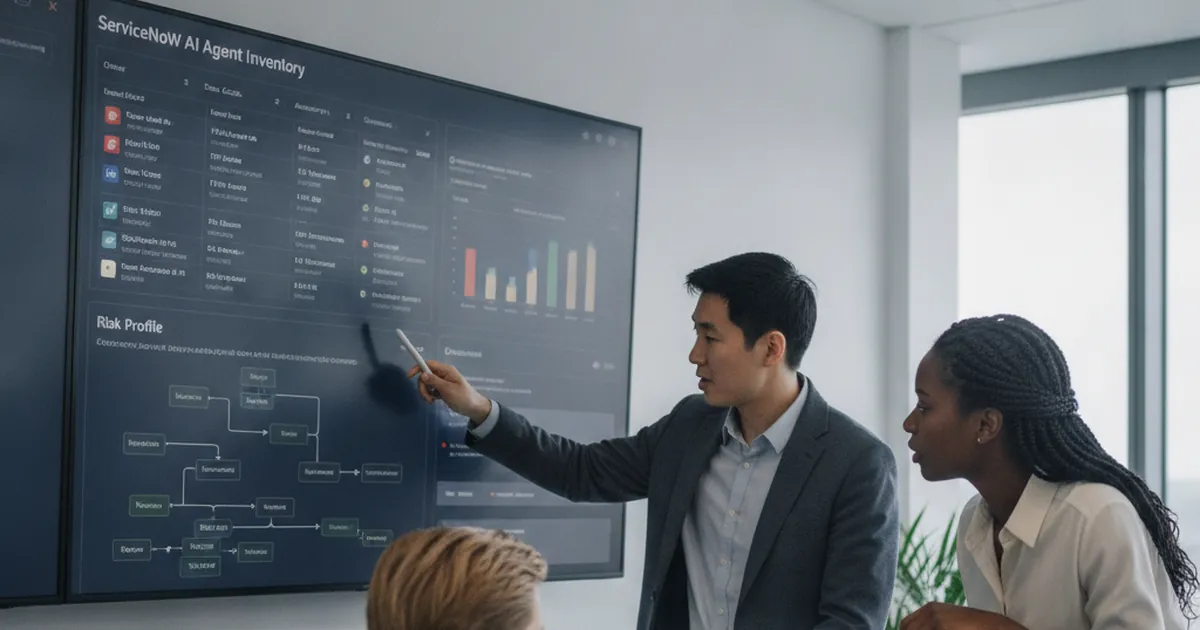
ServiceNow AI agent inventory: build a risk register for Now Assist agents
Learn how a ServiceNow AI agent inventory centralises owners, data access, autonomy, risks, controls, reviews, and lifecycle governance for enterprise AI agents.
Read more →AI for ITSM uses classification, generative AI and AI agents that answer calls, chats and emails to take repetitive work off the service desk: routing tickets, answering routine questions, drafting replies and surfacing the right knowledge. SMC Consulting tells you which AI use cases your current tool and data can support now, fixes what must come first, and configures the rest, including AurionAI, an AI helpdesk for IT support made by our partner AurionAI SRL.















AI for ITSM is the use of artificial intelligence at specific points of IT service management where the work is frequent, predictable and text- or voice-based: classifying tickets, suggesting answers, summarising cases, answering users and spotting patterns in incidents. It is a set of capabilities, not a single product.
Most of it sits in two families. Assistive AI helps a person: it suggests a category, drafts a reply or proposes a knowledge article, and the agent decides. Agentic AI acts within limits you set: it answers the user, performs a defined action (a password reset, a status check, a ticket update) and hands over to a person when it is not confident. Our article on agentic AI in ITSM and the 10 service desk workflows you can automate safely goes into detail.
What AI for ITSM is not: a replacement for process design, a shortcut around a badly configured platform, or something that works without clean, structured data. AI amplifies what is already there.
AI answers are only as good as the knowledge behind them: a structured knowledge base such as Document360 is often the first step.

A model trained on inconsistently categorised history reproduces those inconsistencies at scale. Categories come first.
AI cannot enforce a process that does not exist. Incident, request and change management need to be designed before they are automated.
Incident correlation and change impact analysis depend on reliable configuration data and dependencies.
AI can only surface articles that exist and are current. Knowledge management is a prerequisite, not an afterthought.
The most useful applications are rarely the most complex. These six cover most of the value we see in service desks today.
Incoming tickets classified by type, urgency and affected service, then routed to the right team without a manual triage queue.
Known, repeatable requests (password resets, access, status checks) handled end to end, with a hand-over to an agent when needed.
Relevant articles suggested to users in the portal and to agents on the ticket, and gaps spotted from tickets closed without an article.
Several incidents on components of the same service flagged as one probable cause before an engineer connects the dots.
Dependencies in the CMDB and the history of similar changes turned into a risk view for the change advisory board.
An AI agent answers the phone or the chat, understands the request, acts in the ITSM tool and escalates with context.
We do not sell AI as a standalone project: it is one lever in the maturity of your service management, next to ITSM automation.
Data quality, process maturity and platform capabilities reviewed to see which use cases are viable now and what must be fixed first.
The native AI of your ITSM tool configured and tuned: classification, suggested replies, virtual agent flows and dashboards.
Where the platform does not cover a use case, such as phone calls, we connect AurionAI, our partner's AI helpdesk, or another specialised tool through the API.
Review loops, confidence thresholds and regular audits of AI output, so quality holds over time.
In a free 30-minute audit, a senior consultant reviews your data, processes and tool with you and tells you where AI will help and what to fix first.

AurionAI, made by our partner AurionAI SRL, answers calls, chats and emails 24/7, identifies the caller and solves the request or creates the ticket.
It creates or updates the ticket in HaloITSM, and in other ITSM platforms such as ServiceNow ITSM or Jira Service Management, with the full context.
Phone, chat, email, WhatsApp and the help center share the same AI, which hands over to a person with the conversation attached when it cannot resolve.
Who see ticket volume grow faster than the team and want to know which AI use cases are worth it.
Who are asked for an AI plan and want one built on their own data, not on a vendor demo.
Who have AI features in their subscription and need them configured, governed and measured.
Every major platform now ships AI. How it is configured and governed decides whether it creates value or noise. One line per platform, from our comparison data:
| Platform | Native AI |
|---|---|
| HaloITSM (our pick) | Halo AI: triage, categorisation, summaries, sentiment, suggested replies and knowledge, through a built-in OpenAI connection or your own AI provider; a virtual agent for end users. |
| ServiceNow ITSM | Now Assist: case summaries, drafted replies and knowledge generation; higher tiers add agentic components that can trigger workflows. |
| Freshservice | Freddy AI Copilot for summaries, reply drafts and categorisation; Freddy AI Agent for conversational self-service. |
| Jira Service Management | Atlassian Intelligence and Rovo agents, with admin control over what the AI can access. |
| TOPdesk | Categorisation, knowledge generation and search, with summaries, writing and translation in higher editions; a virtual agent as a separate add-on. |
| EasyVista Service Manager | EV Pulse AI for automation, prediction and conversation, plus AI agents from the Konverso acquisition. |
| Ivanti Neurons for ITSM | Classification and routing, generative summaries, knowledge-article generation and email drafting; an AI virtual agent. |
| Xurrent (formerly 4me) | Sera AI classifies, routes and prioritises tickets and suggests drafts to agents; an AI virtual agent. |
| GLPI | No AI in the free core; summaries and reply suggestions through the paid GLPI-AI plugin. |
| ManageEngine ServiceDesk Plus | Zia drafts replies, summarises conversations and runs a virtual agent, on a native model or your own key. Not yet delivered by SMC Consulting. |
For pricing, hosting and the full scoring, see our comparison of the 10 best ITSM tools.
No. AI is configured in your current platform, which in most cases already has AI features, or added alongside it through the API. AurionAI, for example, connects to the ITSM tool you already use.
High-volume, low-complexity tickets with a predictable resolution: password resets, access requests, software installations, status questions, known errors. Tickets that need judgement, a physical intervention or a sensitive decision should stay with people.
Models are usable from the start and improve as they process your own tickets. Accuracy depends above all on the quality and consistency of your historical data: badly categorised history gives poor results until it is cleaned up.
An AI agent answers the call directly, without a phone tree or a queue. The caller speaks naturally; the agent identifies them, understands the request and acts in the ITSM platform: it creates a ticket, gives a status or hands over to a person with the context. See AurionAI.
AI can take over a large part of repetitive first-line work. It does not replace the judgement and communication skills analysts bring to complex or sensitive cases. The realistic outcome is analysts spending less time on routine and more on work that needs a person.
Tickets sent to the wrong team and wrong automated answers are the main risks. They are managed with confidence thresholds, escalation rules, human review in the first phase and regular audits of AI output.
The CMDB gives AI the service and dependency context it needs to correlate incidents and assess change impact. Without it, AI works on ticket text alone and misses the infrastructure picture. See the HaloITSM CMDB.
Book your free 30-minute ITSM audit. A senior consultant reviews your data, processes and tool and gives you a realistic view of your AI options.
Learn how a ServiceNow AI agent inventory centralises owners, data access, autonomy, risks, controls, reviews, and lifecycle governance for enterprise AI agents.
Read more →
NIS2 automated discovery evidence helps organisations build a provable asset inventory with current data on systems, owners, locations, lifecycle status and risk.
Read more →
Learn how the ServiceNow MCP server connects AI agents to governed ITSM workflows, Action Fabric and secure enterprise automation, plus readiness steps for 2026.
Read more →