

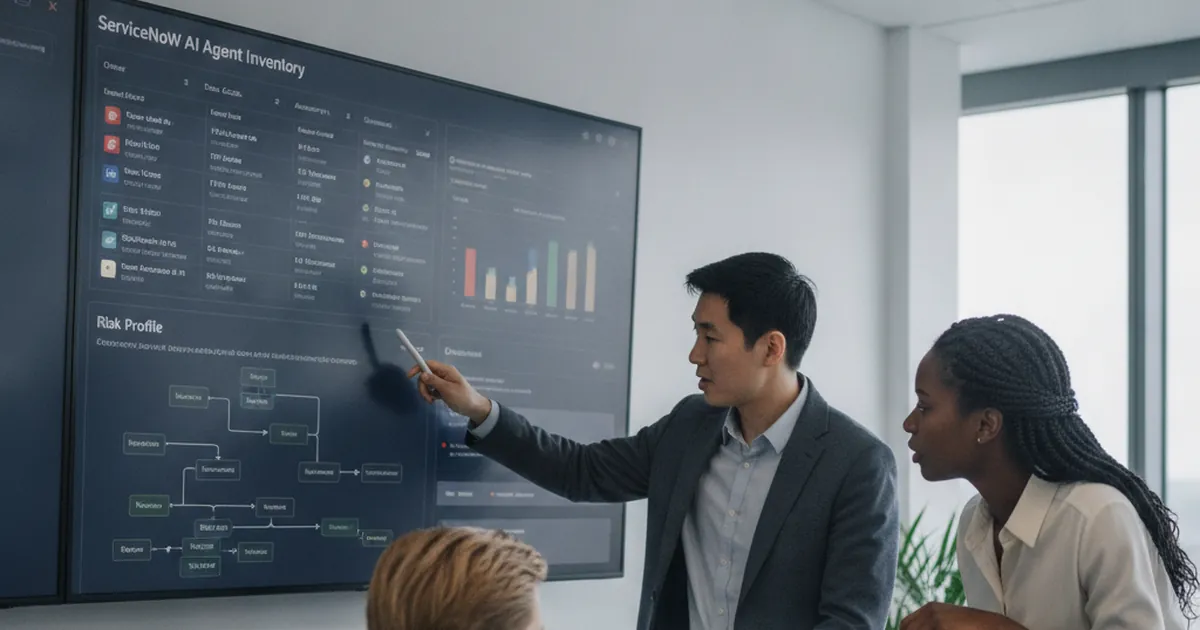
ServiceNow AI agent inventory: build a risk register for Now Assist agents
Learn how a ServiceNow AI agent inventory centralises owners, data access, autonomy, risks, controls, reviews, and lifecycle governance for enterprise AI agents.
Read more →IT asset management (ITAM) means knowing every device, software title and cloud resource you own, who uses it and where it is in its lifecycle. SMC Consulting runs ITAM as a service: Lansweeper discovers the estate, we model the data, feed your CMDB and keep the inventory verifiable for audits and NIS2.















IT asset management (ITAM) is the practice of tracking every IT asset your organisation owns or uses, from purchase to disposal: hardware, software and its licences, cloud resources, contracts and warranties. ITIL 4 describes it as a practice of its own, and the ISO/IEC 19770 family of standards covers it in detail, starting with software.
ITAM and the CMDB answer different questions. ITAM asks what you own, what it costs and when it ends; the CMDB asks what your services depend on and what a change will touch. A clean, current ITAM inventory is the best source a CMDB can have, which is why we build both from the same discovery data. See the CMDB in HaloITSM for the configuration side.
This page describes our ITAM service, which works with any ITSM tool. For the asset module of the tool we recommend most, see IT asset management in HaloITSM; for the discovery product, see Lansweeper.
IT asset management is one of the practices of IT service management (ITSM): the asset data feeds the CMDB, incidents and changes.
Source: the ITIL 4 IT Asset Management practice, ITIL 4 by PeopleCert.
Discovery finds laptops, servers or switches that are in no register, and nobody can say who owns them.
Renewals are signed on last year's count because nobody knows which installations are still in use.
An auditor, an insurer questionnaire or a NIS2 request starts a week of spreadsheet work, every time.
Agents stop linking tickets to CIs because the records are missing, duplicated or out of date.
In the free 30-minute ITSM audit we look at your inventory sources, your CMDB and your next audit, and tell you where to start.
Laptops, servers, network devices, printers and OT or IoT equipment, each with its owner, location and status.
Installed software normalised into clean titles, with usage data to show your licence position before each renewal.
Subscriptions, virtual machines and Kubernetes clusters in the same inventory as the hardware.
Purchase date, warranty end, end of life and contract per asset, so refreshes and renewals are planned, not discovered.
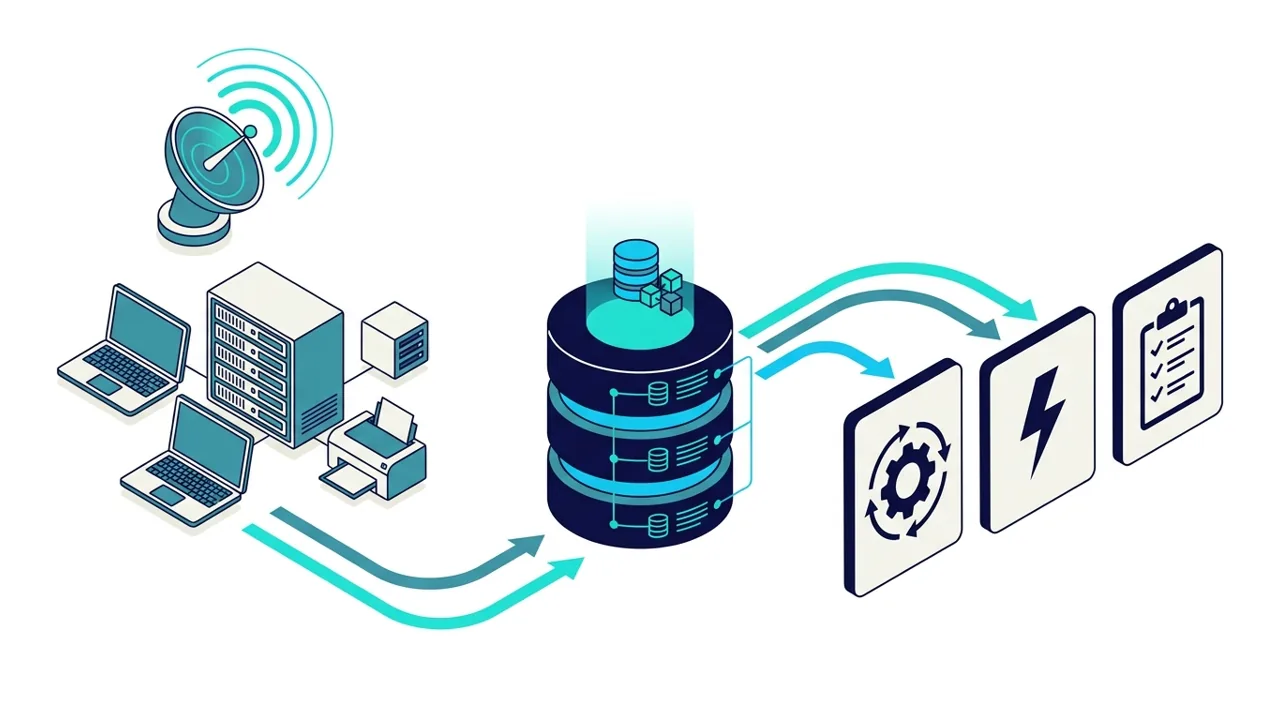
Assets reconciled into configuration items in your ITSM tool, with one authoritative source per attribute.
Inventory exports with owners and criticality for NIS2, ISO 27001 and cyber-insurance questionnaires.
Network scanning of Windows, Linux and macOS devices, network equipment, printers and OT or IoT devices; agents only for laptops that rarely touch the office network.
Installed software, versions and publishers cleaned into titles you can report on, the basis of any licence review.
Connectors for cloud tenants and virtualisation platforms, so virtual machines sit in the same inventory as physical assets.
Managing an IT estate comes down to four habits: inventory everything, qualify each asset, reconcile the sources and review the data on a schedule. The five steps below put those habits in place.
Your current sources (spreadsheets, Intune, purchasing, an existing CMDB), the questions the inventory must answer and the audits ahead.
Lansweeper deployed and tuned on your sites and cloud accounts, with a first inventory cleaned of duplicates and unknown devices.
Asset types mapped to CI classes, with owners, lifecycle states and the relations your processes need.
The inventory feeds your ITSM tool: HaloITSM first, or any of the ITSM platforms we work with.
Owners named, data-quality checks automated, a quarterly review and audit exports ready when asked.

Lansweeper feeds HaloITSM through its native integration: devices become CIs, with their owner and software, visible on every ticket.
Contracts, licences and the lifecycle of each asset managed where the service desk already works.
Kubernetes clusters on AWS, Azure or Google Cloud mapped with their dependencies and synced to the same CMDB.
Who must show which assets they own, who owns them and which services they support.
Whose agents lose time asking which laptop, which server, which owner.
Who need a reliable count per site and model before a workplace or infrastructure project.
NIS2 expects essential and important entities to know their assets, their owners and their dependencies, and to show it during supervision. ISO 27001 asks for an inventory of information and associated assets with an owner for each. An ITAM inventory with owners and criticality, linked to services in the CMDB, answers both from the same data.
See NIS2 in your ITSM for the full NIS2 approach, and our post on the minimum CMDB data model for NIS2 for the fields that matter.
IT asset management (ITAM) tracks every IT asset an organisation owns or uses, from purchase to disposal: hardware, software and licences, cloud resources, contracts and warranties. Its goal is to know what you have, what it costs and when it needs action, and to prove it when asked.
ITAM tracks what you own: cost, contracts, licences, warranty, lifecycle. The CMDB tracks what your services depend on, through configuration items and their relationships. Many records are both, so we feed the CMDB from the ITAM inventory. See the CMDB in HaloITSM.
Lansweeper, as a Lansweeper Solution Partner: it discovers network devices, computers, software and cloud resources, with or without agents. We combine it with Intune, Entra ID and purchasing data where they hold the best information. See Lansweeper.
Yes. HaloITSM is our pick and reads Lansweeper natively, and we also feed ServiceNow, Freshservice and the other platforms in our comparison of the 10 best ITSM tools. Our advice is independent. If you choose HaloITSM, we can also supply the licences as its certified partner, and we tell you so up front.
NIS2 asks essential and important entities to manage the risks to their systems, which starts with knowing them: assets, owners, dependencies. An ITAM inventory linked to the CMDB gives that evidence on request. See NIS2 in your ITSM.
A first inventory of a single-site estate is usually live within two to three weeks. An integrated CMDB with reconciliation rules, relationships and process hooks typically takes six to ten weeks, depending on the number of sites, sources and ITSM processes involved.
Book the free 30-minute ITSM audit: we review your asset sources and tell you what a reliable inventory takes.
Learn how a ServiceNow AI agent inventory centralises owners, data access, autonomy, risks, controls, reviews, and lifecycle governance for enterprise AI agents.
Read more →
NIS2 automated discovery evidence helps organisations build a provable asset inventory with current data on systems, owners, locations, lifecycle status and risk.
Read more →
Learn how the ServiceNow MCP server connects AI agents to governed ITSM workflows, Action Fabric and secure enterprise automation, plus readiness steps for 2026.
Read more →