Book A Meeting
SMC Consulting
HaloITSM CMDB

CMDB in HaloITSM, built by ITIL v4 consultants

A CMDB tells you what your services run on and what breaks when something changes. SMC Consulting's ITIL v4 certified consultants build the CMDB in HaloITSM: a data model sized to your services, configuration items fed automatically by Lansweeper or Intune, and the relationships your incident and change teams use every day.

180ITSM implementations
40+ITSM migrations
20years in IT service management
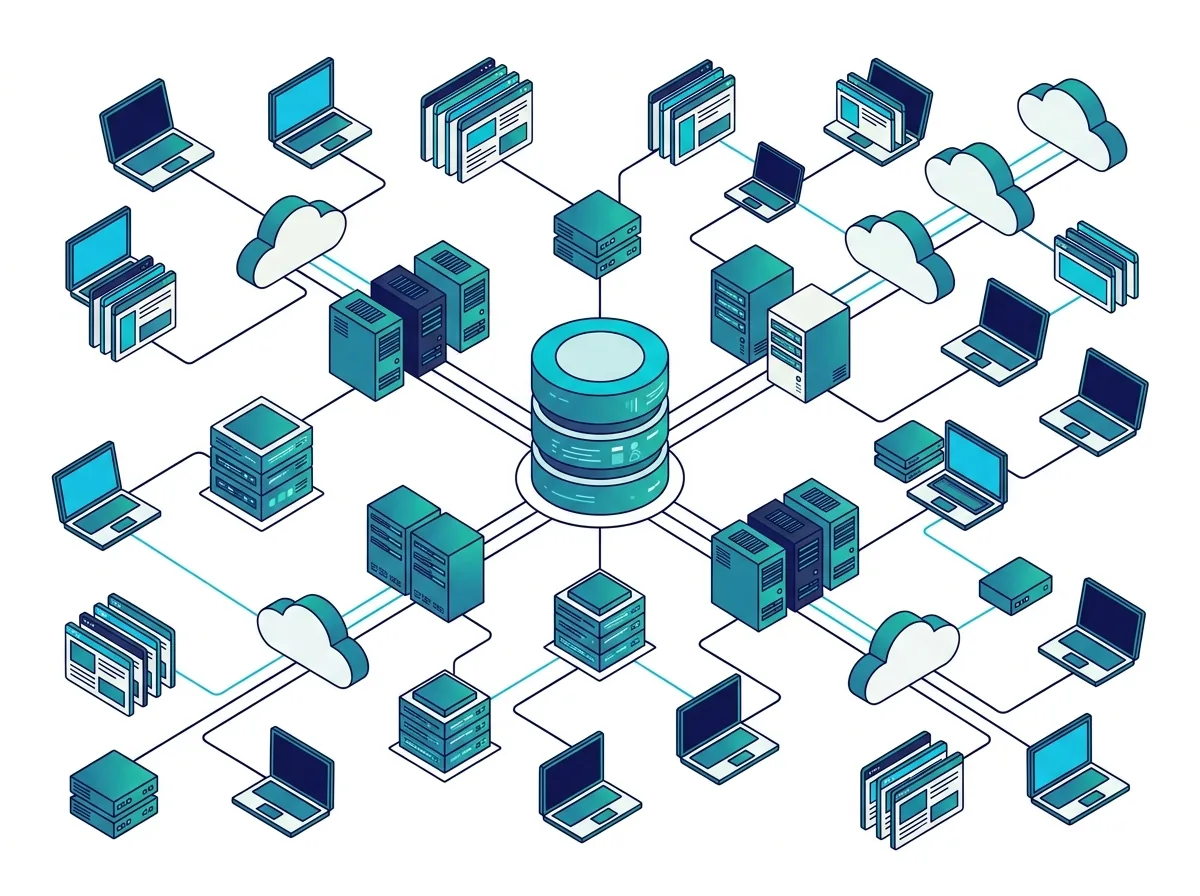
Illustration of a CMDB in HaloITSM: servers, laptops, cloud services and applications linked as configuration items
SMC Consulting

They trust us on their ITSM projects

  • Proximus
  • Lineas
  • Brussels Airport
  • ING
  • CPH Banque
  • DKV
  • Loterie Nationale
  • Crelan
  • Belfius
  • ALD Automotive
  • BNP Paribas Fortis
  • AXA
  • KBC

What is a CMDB? ITIL 4 service configuration management

A configuration management database (CMDB) is the record of the configuration items (CIs) that deliver your IT services, and of how they depend on each other. In ITIL 4 it supports the service configuration management practice: knowing which servers, applications, network devices and cloud resources a service needs, so incidents are diagnosed faster and changes are assessed against real dependencies.

A CI is not the same as an asset. An asset is something you own and pay for, tracked for cost, contracts and lifecycle; a CI is anything you need to manage to deliver a service, tracked for its relationships. A laptop is usually an asset first; a database server behind your ERP is a CI first. Many records are both, which is why the CMDB and IT asset management in HaloITSM share the same data.

The CMDB is one of the ITIL practices described in our practical guide to ITSM. HaloITSM is the tool we recommend most often for it: see why HaloITSM is our pick.

Source: the ITIL 4 Service Configuration Management practice, ITIL 4 by PeopleCert.

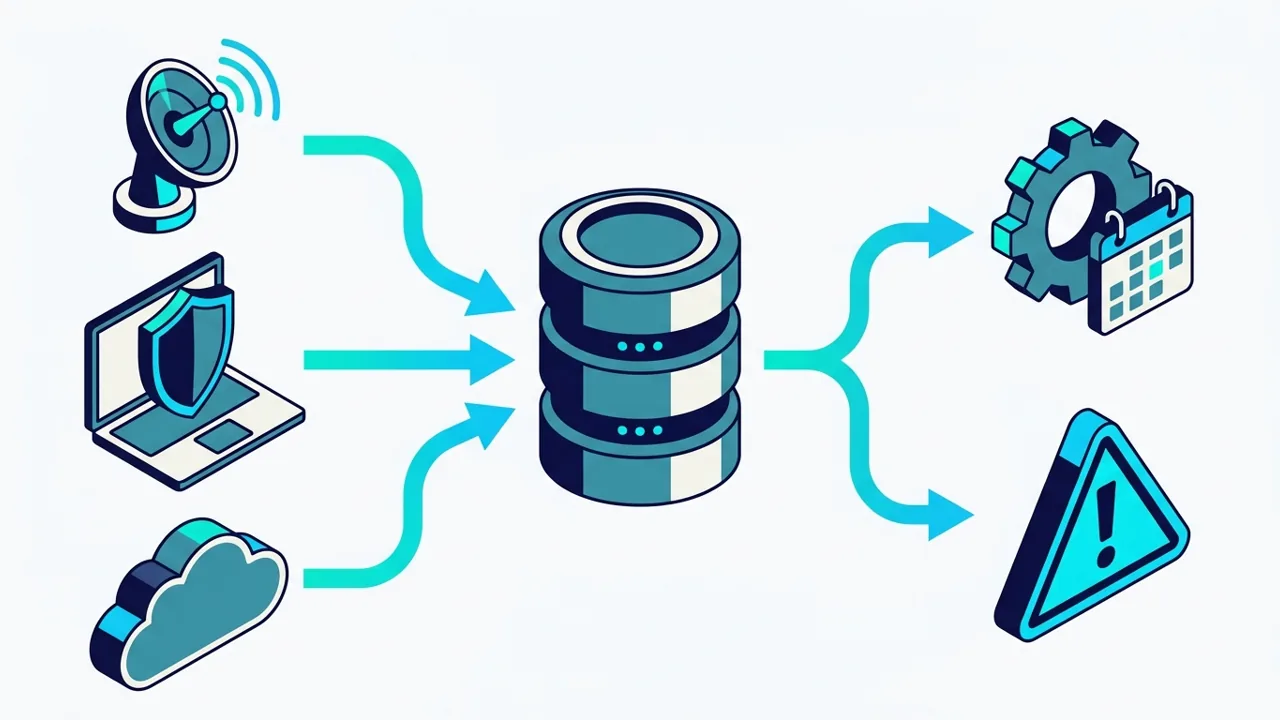
Diagram of discovery, device management and cloud sources feeding the CMDB, which feeds change and incident

Why HaloITSM as your CMDB tool

CI relationships and dependency maps

CI relationships connect servers, applications, services and users, and the map shows what sits behind each service.

Impact analysis where agents work

Incidents and changes draw on the same relationships, so the affected services are visible on the ticket, not in a separate tool.

Included, not an add-on

HaloITSM is priced per agent with every module included: the CMDB and asset management are never behind an upsell.

Our pick for governed ITIL processes

Change, problem and incident management sit on the same CMDB, which is why HaloITSM is the tool we recommend most often for ITIL depth.

See the CMDB on your own services

A live demo with two or three of your services mapped, or a free HaloITSM trial: 30 days, 15 of them guided by SMC Consulting.

What a CMDB holds: CI types and relationships

Start with a minimum data model and grow it: a CMDB that tries to hold everything on day one goes stale. NIS2 makes this minimum model a compliance topic too; our post on the minimum CMDB data model for NIS2 lists the fields that matter.

Business and technical services

The services your users see, and the technical services behind them, each with an owner and a criticality.

Applications

Business applications and their components, linked to the services they deliver and the teams that support them.

Servers and databases

Physical and virtual servers, databases and middleware, with the applications that run on them.

Network and security devices

Switches, firewalls, load balancers and links that a service depends on, so a network change shows its real impact.

Cloud resources

Subscriptions, virtual machines and managed services in Azure, AWS or Google Cloud, kept apart from on-premise CIs.

Relationships

Runs on, depends on, connects to, used by: a short list of relationship types everyone reads the same way.

Filling the CMDB automatically: Lansweeper, Intune, cloud

Lansweeper

HaloITSM has no discovery agent of its own; it integrates with Lansweeper's Data API, and webhooks push asset changes to Halo as soon as devices change.

HaloITSM + Lansweeper

Microsoft Intune

Managed laptops, phones and tablets imported from Intune, with their users, so end-user devices stay current without manual entry.

Cloud and Kubernetes

For cloud and container estates, discovery tools map resources and dependencies; we connect them so cloud CIs follow the same rules as the rest.

Cloud CMDB and dependency mapping

How SMC Consulting builds your CMDB

The same five steps in Belgium, Luxembourg and France. Our step-by-step guide shows the method in detail: build a CMDB in 30 days.

Not sure where your CMDB stands today? Book my free ITSM audit: 30 minutes with a senior consultant. Still choosing a tool? Our comparison of the 10 best ITSM tools sets HaloITSM against the alternatives.

  1. Scope

    Which services the CMDB must cover first, and which decisions it must support: incident diagnosis, change impact, audits.

  2. Data model

    CI classes, mandatory attributes and relationship types, kept to what the first scope needs.

  3. Sources

    Lansweeper, Intune, cloud discovery and your existing lists connected, with one authoritative source per CI class.

  4. Reconciliation

    Duplicates merged, stale records flagged, and the services mapped to their CIs with the people who run them.

  5. Governance

    CI owners named, quality rules automated and reviewed every month, and the CMDB linked to incident and change workflows.

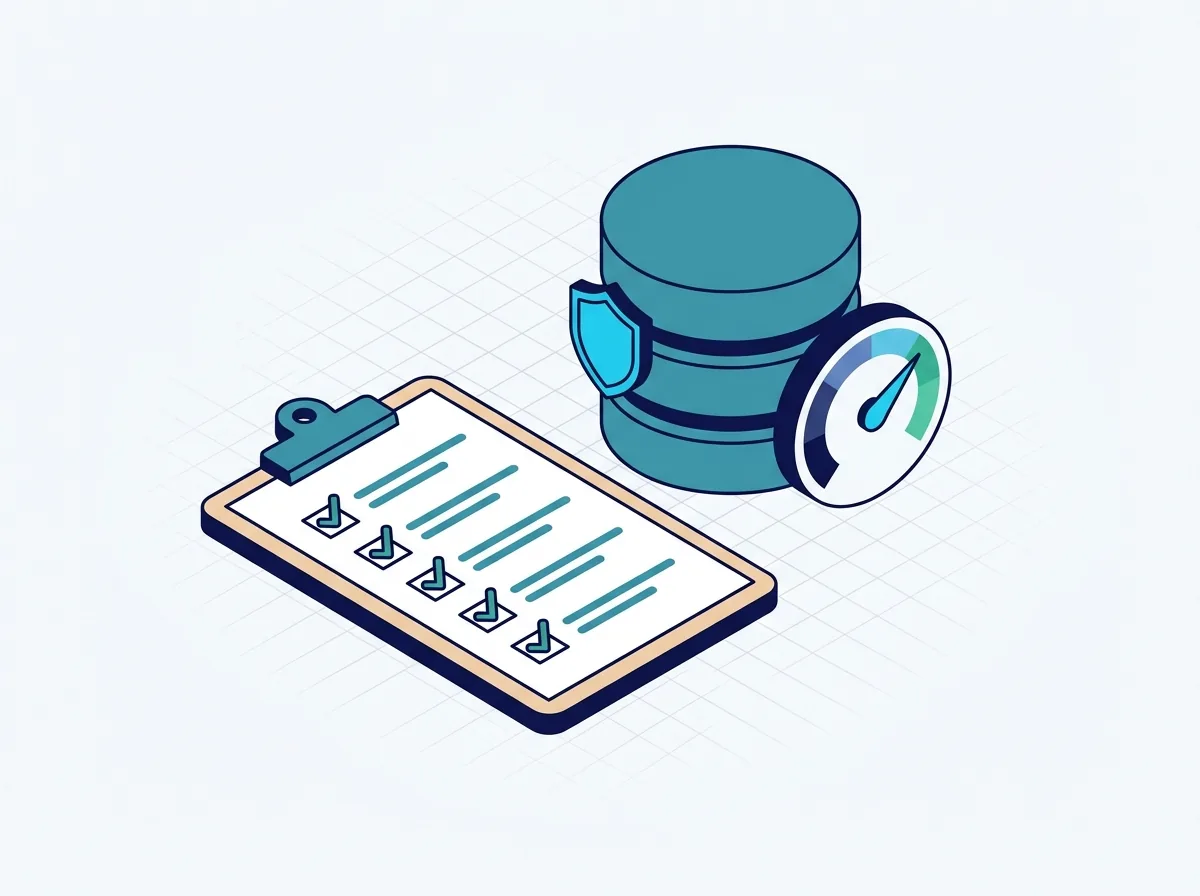
Clipboard, database and gauge illustrating CMDB governance and data quality

CMDB KPIs and governance

  • Completeness: the share of in-scope services with all their CIs and relationships recorded
  • Accuracy: CIs that match their discovery source at the last reconciliation
  • Stale CI rate: CIs not seen by any source within the agreed period
  • CI owner coverage: the share of CIs with a named, active owner
  • Use: incidents and changes linked to a CI, the sign that the CMDB is part of daily work

Who this is for

Change and release managers

Who need the impact of a change before the CAB, not after the incident.

Change management in HaloITSM

IT managers preparing for NIS2

Who must show which assets support which services, and who owns them.

NIS2 and ITSM

Teams already on HaloITSM

Whose CMDB was left half-built at go-live and is no longer trusted.

HaloITSM support and optimisation

CMDB in HaloITSM: frequently asked questions

What is a CMDB?

A configuration management database records the configuration items that deliver your IT services (applications, servers, network devices, cloud resources) and the relationships between them. In ITIL 4 it supports service configuration management, so incidents and changes are handled with the real dependencies in view.

How does a CMDB work?

Discovery tools and imports create and update the CIs; reconciliation rules decide which source wins for each attribute; relationships link CIs to the services they support. Agents then see the affected services on an incident, and change managers see the impact of a change before approving it.

What is the difference between a CMDB and an asset register (ITAM)?

The asset register tracks what you own: cost, contracts, warranty, lifecycle. The CMDB tracks what your services depend on and how. In HaloITSM both use the same records, so a device can be an asset and a CI at once. See IT asset management in HaloITSM.

Can Lansweeper feed the HaloITSM CMDB automatically?

Yes. HaloITSM integrates with Lansweeper's Data API, and Lansweeper webhooks push device changes to HaloITSM as they happen. We set the mapping and the reconciliation rules; see the HaloITSM and Lansweeper integration and Lansweeper asset discovery.

How long does it take to build a CMDB in HaloITSM?

It depends on the number of services, sources and the quality of your current data. Our guide describes a first, limited scope in 30 days (build a CMDB in 30 days); the CMDB then grows service by service. The schedule is fixed with you once the first scope is agreed.

Is the CMDB included in the HaloITSM licence?

Yes. HaloITSM has one price per agent with every module included, CMDB and asset management among them; see HaloITSM pricing. Our advice is independent. If you choose HaloITSM, we can also supply the licences as its certified partner, and we tell you so up front.

Build a CMDB your teams trust, in HaloITSM

Book a live demo on your own services. You can also start a free trial: 30 days, 15 of them guided by SMC Consulting.