
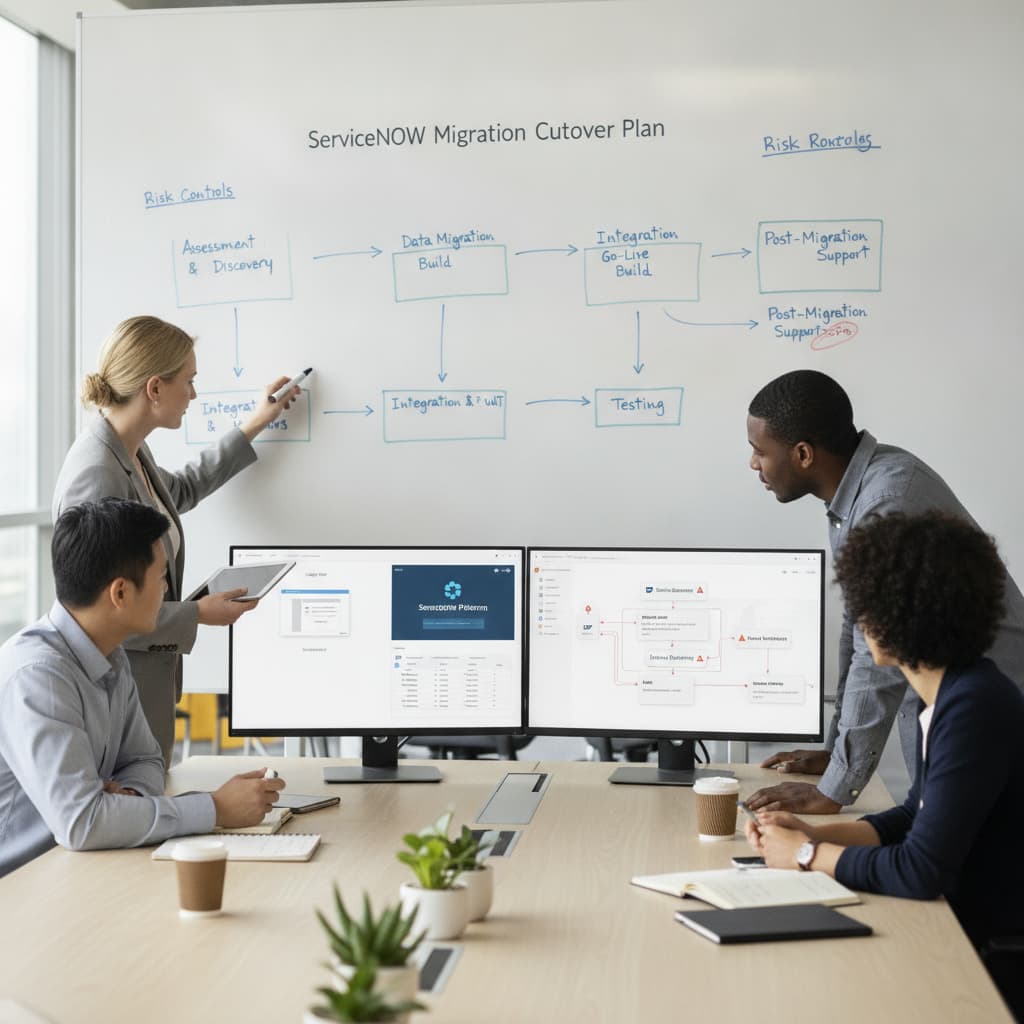
ServiceNow migration cutover plan: data, integrations and risk controls
A practical ServiceNow migration cutover plan helps reduce risk, protect service continuity, validate integrations and support confident ITSM modernisation.
Read more →ITSM automation takes the repetitive steps out of incidents, requests and changes: triage, routing, approvals, notifications, fulfilment. Orchestration connects HaloITSM with Teams, Jira, Azure DevOps and your monitoring tools so work moves without copy-paste. SMC Consulting designs the rules with your teams first, then builds them in HaloITSM.
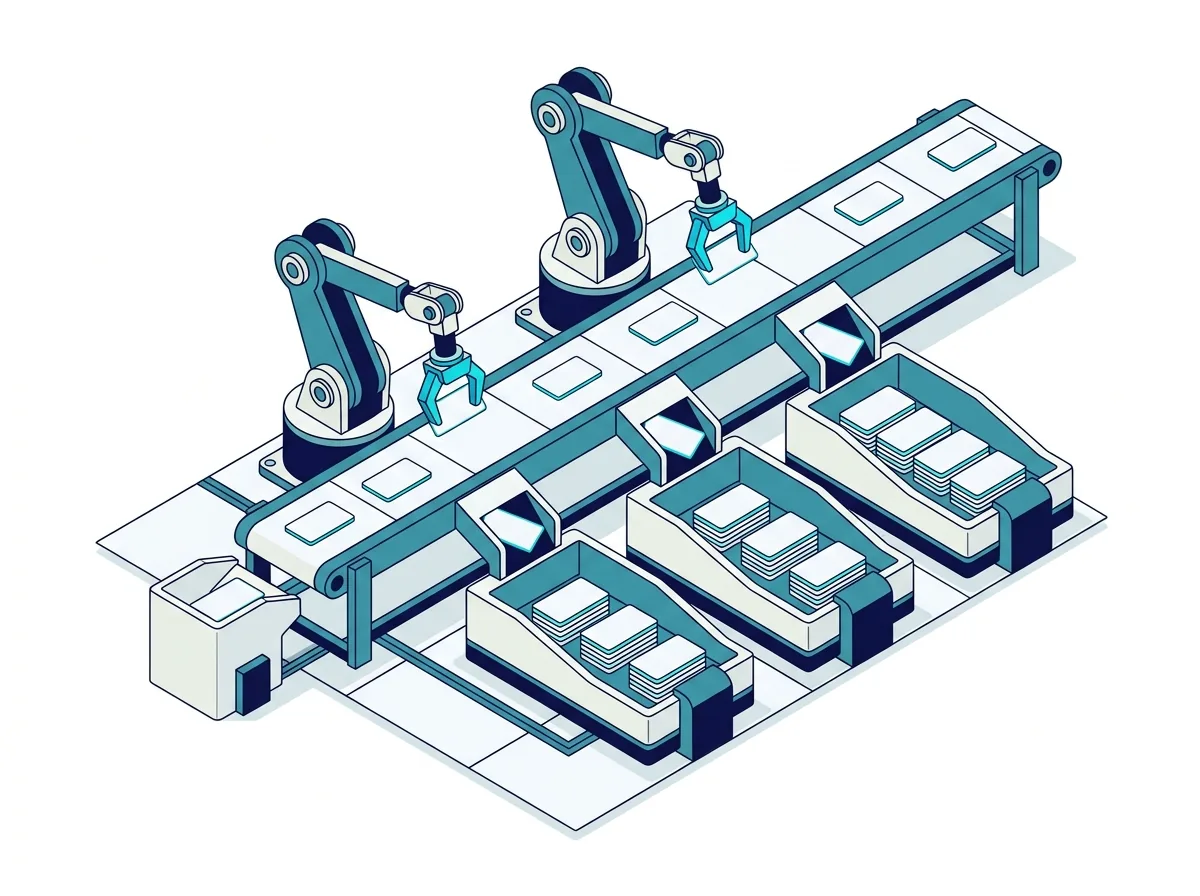














ITSM automation is the use of rules, workflows and integrations to perform service management steps without manual work: classifying and routing tickets, starting SLA timers, requesting approvals, notifying people and fulfilling standard requests. Orchestration goes one step further and coordinates those steps across several tools.
One rule matters more than any feature: automate the process you fixed, not the broken one. Automating unclear categories or an approval chain nobody agrees with only produces wrong results faster. That is why our ITIL v4 certified consultants define roles, states, approvals and KPIs before building anything. The usual starting points, ranked by effort and impact:
| Use case | Effort | Impact |
|---|---|---|
| Auto-assignment by category and service | Low | High |
| SLA timers and escalation warnings | Low | High |
| Status notifications to users | Low | Medium |
| Request approvals (manager, security, finance) | Medium | High |
| New starter and leaver workflows | Medium | High |
| Knowledge suggestions at ticket creation | Medium | Medium |
| Major incident communications in Teams | Medium | High |
| Two-way sync with Jira or Azure DevOps | Medium | Medium |
| Monitoring alerts turned into tickets | Medium | High |
| Account and access provisioning through the directory | High | High |
Categories, priorities and approval chains are agreed and tested by hand first; automation then applies them every time.
Privileged access, high-risk changes and exceptions keep a human approval step; routine work does not.
Each automation has a baseline (time, volume, errors) so you can see what it changed and decide what to automate next.
The first wins come from frequent, predictable steps, not from the most complex integration on the list.
HaloITSM offers most of what a mid-sized service desk needs natively, so scripting is the exception rather than the rule.
Shared service definitions so policies, SLAs and escalations apply the same way across incidents, requests and changes.
Actions triggered on creation, update or status change; routing by category, priority or owner; SLA enforcement.
Notify or call external systems when something happens in HaloITSM, for example on-call tools such as xMatters or AlertOps.
Token-based API to push and pull data and orchestrate tasks from your own scripts and tools.
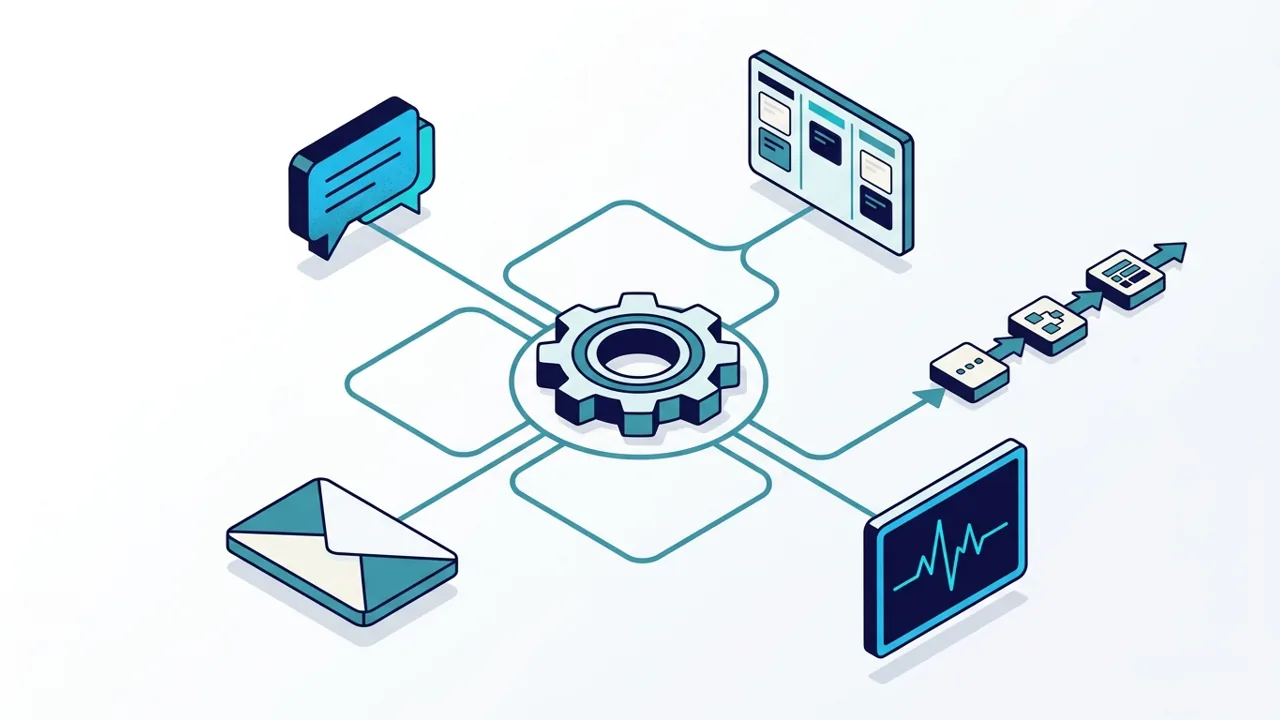
Microsoft Teams notifications, chatbot actions and an embedded self-service portal keep users and agents in the tool they already use.
Category, priority and team set at ticket creation, with SLAs and watchers applied automatically.
Multi-step approvals for request items and risk-based routing for changes, with a change advisory board only where the risk justifies it.
One request triggers the account, the equipment, the access rights and the tasks for every team involved, and the reverse when someone leaves.
Stakeholder updates in Teams in one action, status changes and a dedicated channel for the response team.
Two-way sync with Jira and Azure DevOps so linked work items and statuses stay aligned without duplicate entry.
Alerts routed and ticket updates automated through webhooks to the on-call tool your teams use.
Four steps, with your service desk and process owners involved at each one.
Map services, triggers, SLAs and approval logic; agree where a human must stay in the loop.
Configure workflows, SAF entities and escalations; connect Teams, webhooks and the REST API.
Connect Jira, Azure DevOps or monitoring tools; define payloads and field mappings for round-trip updates.
Dashboards for automation coverage, SLA compliance, resolution time and deflection; next candidates chosen from the data.
In a free 30-minute audit, a senior consultant reviews your workflows with you and identifies the automations worth building first.

Ticket creation, updates, approvals and notifications where people already work, so adoption does not depend on a new habit.
Incidents and problems that need a code fix become linked work items, with statuses synchronised in both directions.
Alerts from your monitoring tools create or update tickets, and webhooks page the on-call engineer when a priority calls for it.
Whose agents spend hours on manual triage, chasing approvals and copying updates between tools.
Who want more capacity from the same team and processes that apply the rules every time.
Who know what the platform can do and need a design that the whole organisation agrees with.
The frequent, predictable and low-risk ones: assignment by category, SLA timers and escalation warnings, user notifications and standard request approvals. They are quick to build and visible to users. Complex integrations come once these run well.
Rarely. Workflows, rules, the Service Automation Framework, webhooks and the Teams integration cover most needs without code. The REST API is there for custom orchestration with your own tools.
Automation follows rules you define: if a ticket has this category, assign it to that team. AI makes a judgement from data: it suggests a category, an answer or a knowledge article. Most service desks need clean automation first; AI then works on top of it. See AI for ITSM.
Yes. Request items can carry multi-step approvals with timeouts and escalation, and a single onboarding request can create the tasks for HR, IT and facilities, then the reverse workflow when someone leaves.
Yes, through webhooks that call external systems when an event occurs, for example on-call tools such as xMatters or AlertOps, and through the REST API for custom orchestration.
Often not. Native webhooks and the API cover many cases. For broader cross-tool workflows, we evaluate an integration platform once the quick wins with native options are in place.
Book your free 30-minute ITSM audit. A senior consultant reviews your workflows with you and identifies the automations worth building first.
A practical ServiceNow migration cutover plan helps reduce risk, protect service continuity, validate integrations and support confident ITSM modernisation.
Read more →
SMC Consulting joins the Lansweeper partner ecosystem to connect asset discovery with HaloITSM, ServiceNow and Freshservice for a complete, current CMDB.
Read more →
Discover how Green ITAM helps measure your IT asset carbon footprint, improve CSRD IT readiness, connect asset data, and support credible sustainability reporting.
Read more →